What you can customize
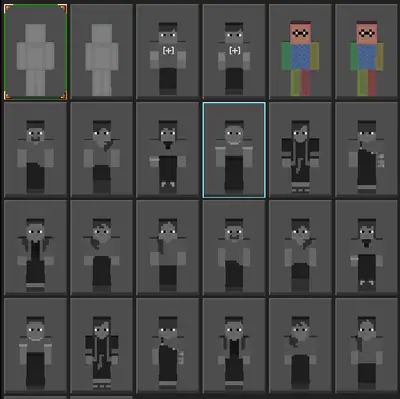
Lovely Craft lets you change your character skin and apply texture packs that reskin blocks. It is the fastest way to make the meadow yours: same game, completely different mood. If you ever need the original files back, the Lovely Craft APK homepage always points to the clean, verified build.
Installing a pack
Download the pack as a zip, extract it, and move the folder into the game's texture directory on your storage. Restart the game and select it in settings. If blocks look broken, the pack targets a different version: remove it and try another.
Stay safe
Real texture packs are never APK files. If a download labeled as a texture pack asks you to install an app, delete it. Keep your game itself from the download page and your packs from established voxel communities, and customization stays fun and safe.