The golden rule
Install the new version over the old one. Never uninstall first. Updating Lovely Craft is just installing the newer XAPK on top of the current build: Android sees the same package name, keeps your worlds, settings and inventory, and swaps in the new code. Uninstalling wipes everything.
Backup first, always
Before any update, copy your world files somewhere safe. Open your file manager, find the the game world folder, and copy it to a backup folder or cloud storage. Updates are tested before they reach the Lovely Craft APK download page, but a backup turns any surprise into a non-event.
The update steps
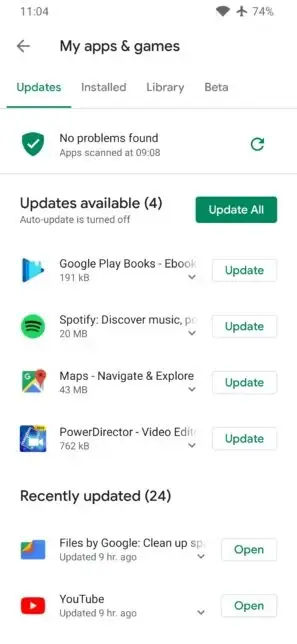
Download the new XAPK, open it with your XAPK installer, and tap Install when Android asks to update the existing app. Launch the game and check one world loads correctly before deleting the downloaded file. The whole process takes about five minutes, and the changelog on this site tells you exactly what changed.
After the update
If a world misbehaves, restore it from your backup and report the issue to us with your phone model. For version-to-version details, the old versions archive keeps every build we have published.